Stop Typing the Same Git Commands Over and Over
This blog will guide you through multiple techniques for automating commands git add, git commit, and git push into your workflow.
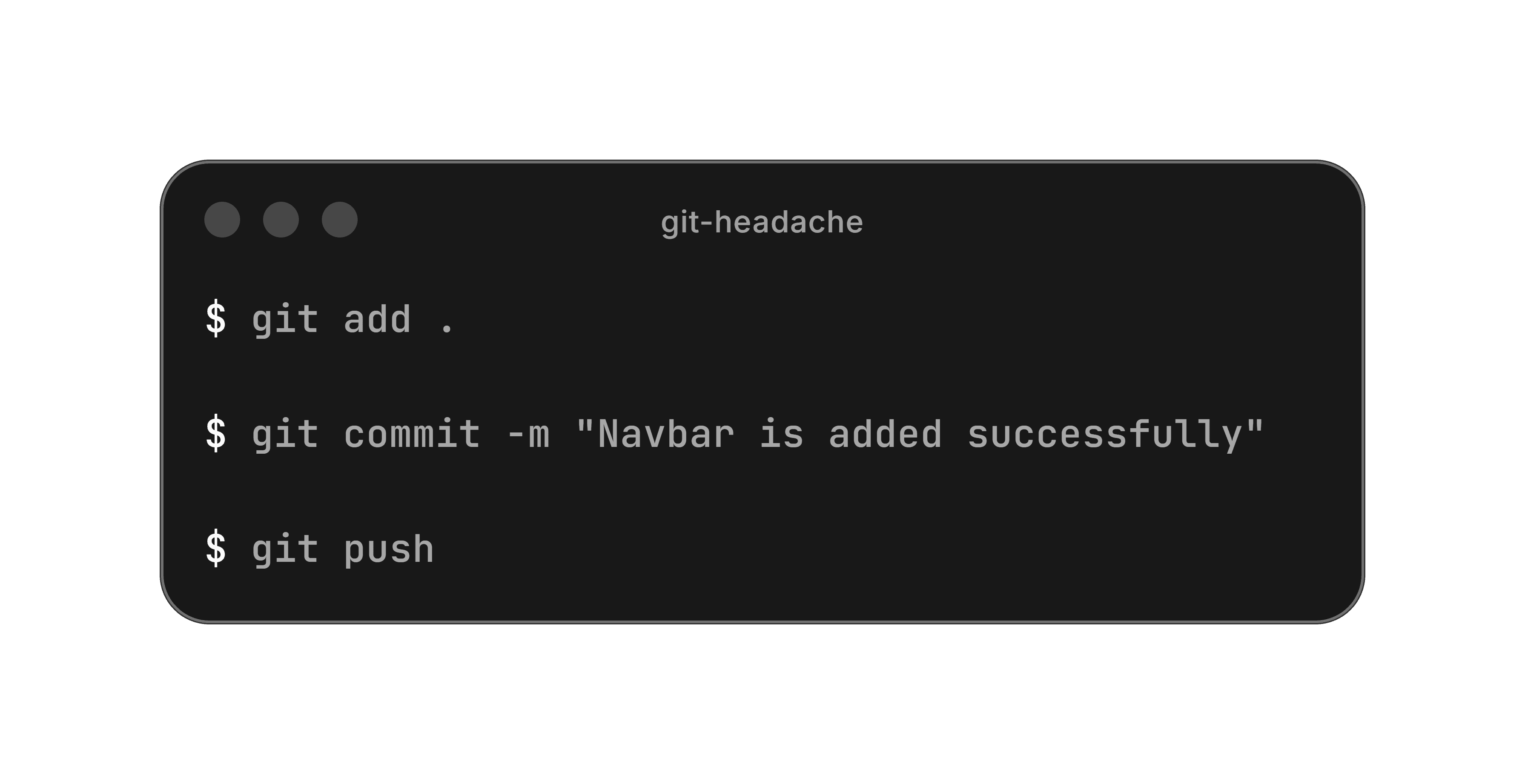
If you already know what these three commands do, feel free to skip ahead. Otherwise, here's a quick recap.
First Understand
git add .
Git add takes your modified files from your working directory and places them into an intermediate space called the staging area (or index). Think of it as organizing papers on your desk before placing them into a binder.
git commit -m "message"
Git commit takes your staged files and permanently records them as a new snapshot in your local repository. It's like a "save button" — it locks in your changes with a unique ID (hash) and a message describing what you did.
git push
Git push uploads your local commits to a remote repository like GitHub, GitLab, or Bitbucket. Without this, your work stays only on your machine.
Let's Automate It
Now the fun part. Instead of typing three commands every single time, let's turn them into one.
🪟 Windows — PowerShell Profile
Open PowerShell and run:
This opens your PowerShell profile file — think of it as a startup script that runs every time you open a terminal. Paste this function into it:
Save the file, then restart PowerShell. That's it. Now just run:
If you get a permissions error, run this once to allow scripts: Set-ExecutionPolicy RemoteSigned -Scope CurrentUser
🍎 macOS — Shell Alias
Open your terminal and edit your shell config file. If you're using zsh (default on macOS):
Or if you're using bash:
Add this function at the bottom:
Save with Ctrl + O, exit with Ctrl + X, then reload the file:
Now use it the same way:
🐧 Linux — Shell Alias
Same as macOS, but your config file is likely ~/.bashrc (or ~/.zshrc if you've switched to zsh):
Paste the same function:
Reload it:
And you're good to go:
Bonus: Add a Default Message
Lazy day? Add a fallback so you don't even have to think of a message:
Now running just gito will commit with the message "update" — and gito "real message" still works normally.
Wrapping Up
One function. Three commands. Zero repetition. Whether you're on Windows, macOS, or Linux — you're now one word away from pushing your code.
Pick your OS, paste the snippet, and never type those three commands in a row again.